Type on your TV with your keyboard Pro
Stop hunting for letters with the arrow keys. Type searches, Wi‑Fi passwords and sign-ins on your TV with your iPhone's keyboard.
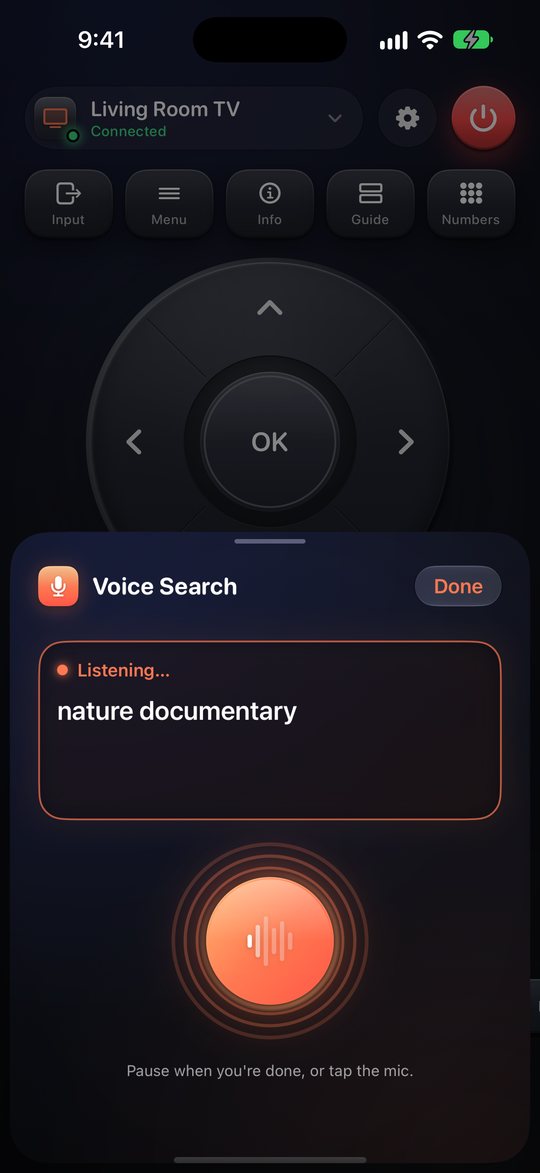
TVQ finds the TV on your Wi‑Fi and turns your iPhone or iPad into a fast, clean remote. Type or speak your searches, open TV apps in one tap, cast photos and videos and mirror your screen on supported TVs.
Coming soon to theApp Store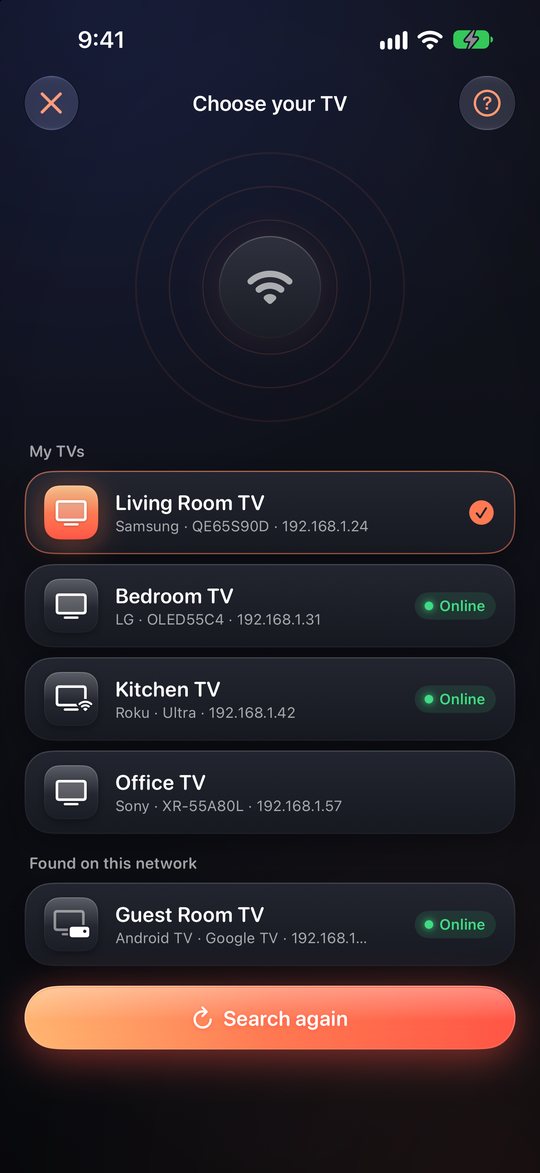
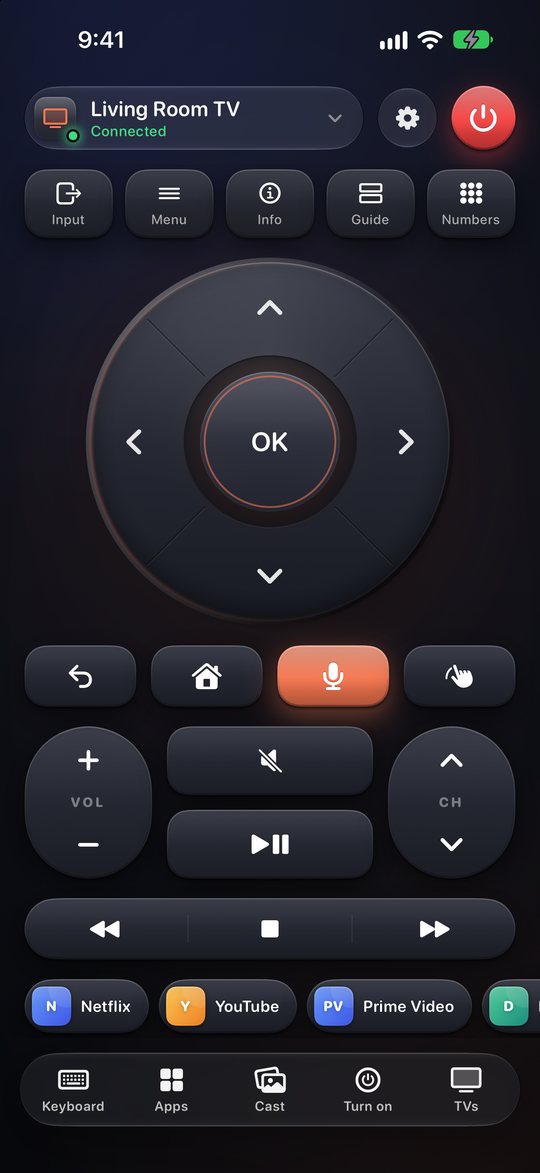
TVQ talks to your TV directly over Wi‑Fi using each manufacturer's local control interface. Available features depend on the TV.
TVQ is an independent app and is not affiliated with or endorsed by Samsung, LG, Sony, Roku, Google, Amazon, Apple or any other TV brand named here. All trademarks belong to their owners. Features depend on the TV model and its settings.
A remote that feels made for iPhone, with the extras a plastic remote can't do.
Open TVQ on the same Wi‑Fi as your TV and it shows up in seconds. No IR blaster, no setup codes.
Big, clear controls with haptic feedback, in a layout that's easy to use without looking.
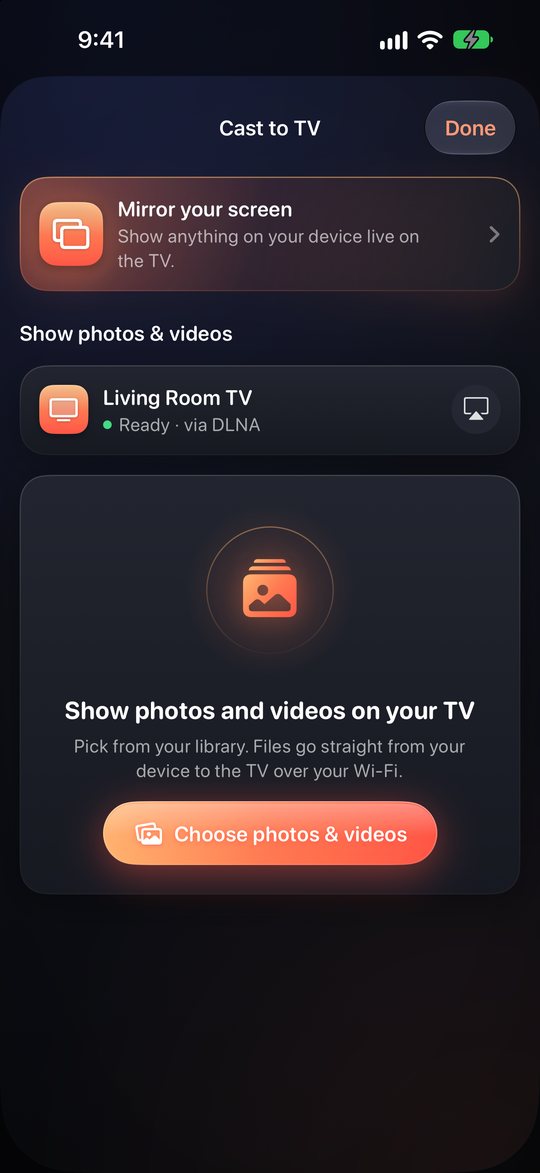
Show photos and videos from your library on supported TVs, through DLNA, Roku, Google Cast or AirPlay.
Say what you're looking for and TVQ types it on your TV.
Stop hunting for letters with the arrow keys. Type searches, Wi‑Fi passwords and sign-ins on your TV with your iPhone's keyboard.
Show your iPhone or iPad screen live on supported TVs, with app sound and a short delay. Apple TV uses Apple's built-in Screen Mirroring.
See the apps on your TV and jump straight into the one you want, without scrolling through the home screen.
Choose a premium look for your remote. Midnight is free, and five more themes come with Pro.
Swipe to move and tap to select for fast, smooth navigation.
Wake your TV from standby with Wake-on-LAN or the TV's network wake, on TVs that support it.
Save the living room, bedroom and office TVs and switch between them in a tap.
Pairing keys are kept in the iOS Keychain on your device and are never sent to us.
Feel every press. Turn it off any time in Settings.
Made for both, with large, readable controls and Dynamic Type.
TVQ talks to your TV directly on your local network. There are no servers of ours in between. Your commands, photos, videos and mirrored screen go to your TV and are never sent to us. Purchases are handled by Apple and our subscription provider RevenueCat.
The full basic remote is free for one TV. Try the Pro features for free, then upgrade when you're ready.
Forever
Weekly or monthly subscription
The weekly plan includes a 7-day free trial for eligible new subscribers. Prices vary by country and are shown in the app and on the App Store before you buy. Subscriptions renew automatically unless cancelled at least 24 hours before the end of the period; cancel anytime in Settings › Apple Account › Subscriptions. Payments are processed by Apple.